At a glance
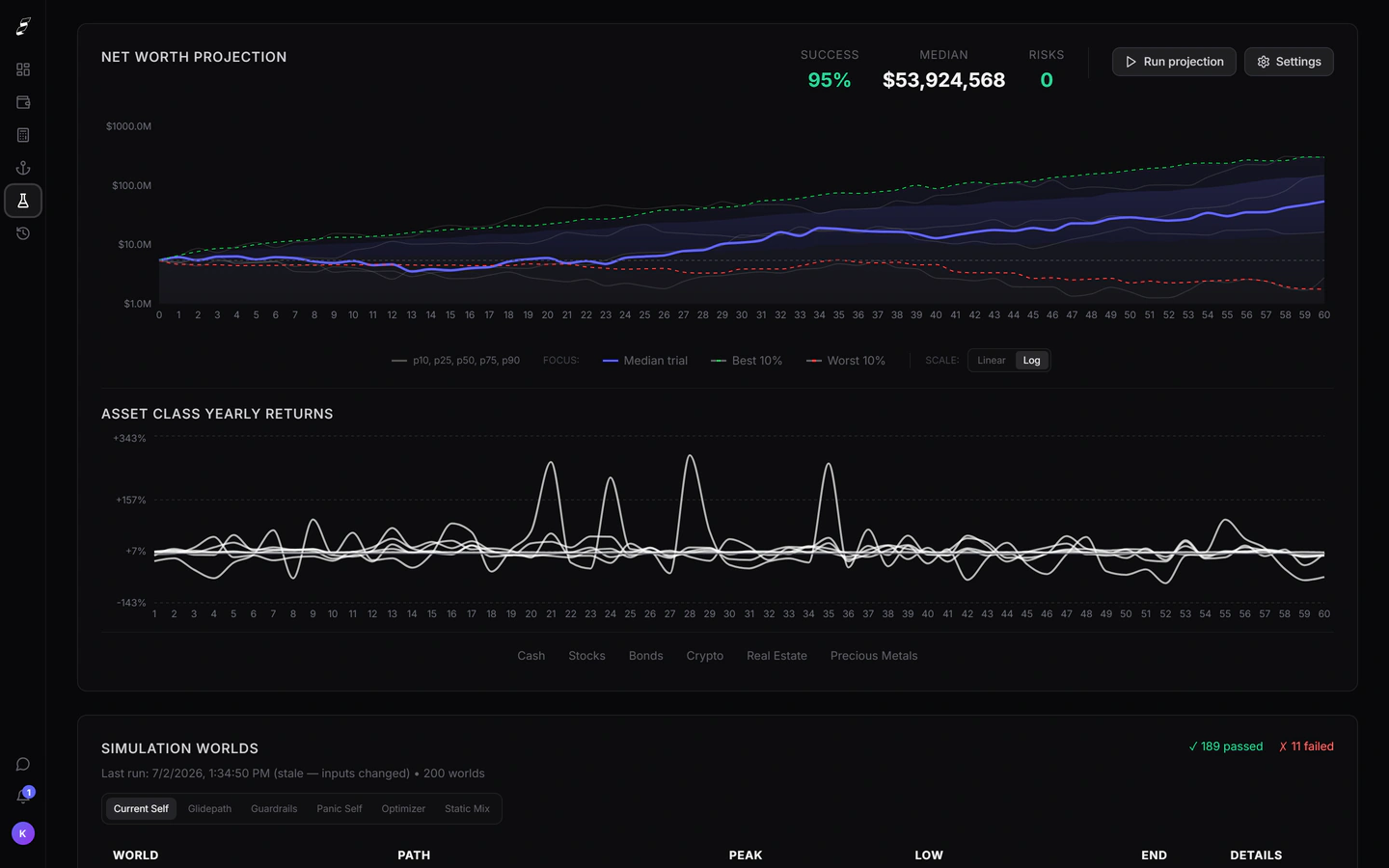


Killion is planning and simulation software with read-only account linking. ProjectionLab is described below in its own terms. Where a figure is quoted it comes from the vendor's published pricing and was checked on the date shown.
| Killion | ProjectionLab | |
|---|---|---|
| Reason for leaving: manual data entry | Killion links brokerages and banks read-only, so the plan stays current without maintenance. | ProjectionLab is manual-first by design; optional linking exists but entry is the default. |
| Reason for leaving: tax modeling | Killion does not model taxes. Boldin is the right destination for this. | Tax handling is not ProjectionLab’s center of gravity either. |
| Reason for leaving: price | Killion Pro is $132/yr — no cheaper than ProjectionLab Premium at $129/yr. | The free Basic tier includes Monte Carlo and backtesting. Consider staying. |
| Reason for leaving: simulation realism | Regime-switching returns with clustered downturns, fixed seeds, backtesting to 1928. | Monte Carlo and historical backtesting across a large trial count. |
ProjectionLab details checked on against the ProjectionLab pricing page. Vendors change prices; verify before deciding.
When to stay on ProjectionLab
If you are on the free tier and it does what you need, switching to a paid product to get a slightly different return model is a bad trade. ProjectionLab’s Basic plan includes Monte Carlo and historical backtesting at no cost, which is more than most free tools offer.
If keeping your financial accounts unlinked is a firm principle, stay. Killion’s central premise is read-only syncing, and a tool built against your own preference will annoy you weekly.
When a switch is worth it
The switch pays off when maintenance is the failure mode. A plan that is six months stale gives worse answers than a rougher plan that is current, and manual models go stale in exactly the way you would predict.
It also pays off if you want to interrogate the simulation rather than accept it: comparing named withdrawal rules on identical markets, isolating a crash in a chosen year, or backtesting the plan against every starting year since 1928.
Which one to choose
Choose Killion if
- Keeping a manual model current across several accounts stopped happening.
- You want an engine whose method is documented and whose runs reproduce.
- You want an AI assistant with your real holdings in context.
Choose ProjectionLab if
- Cost is the constraint — the free tier is genuinely capable.
- Not linking financial accounts is a hard requirement for you.
- A one-off lifetime licence fits how you like to buy software.